
How do I link a second PayPal account?
Because PayPal doesn't allow more than one account under a single email address, the flow to link a second PayPal account to Seller Ledger is a bit different.
In most cases, when you want to add an additional account from the same bank, you would simply click the + icon to the right of your bank name:

However, if you want to link a new PayPal account, you should, instead, click the "Add Channels, Banks and Accounts" button at the bottom left of your dashboard. Then, click the button to "Add Bank, Credit Card or PayPal"
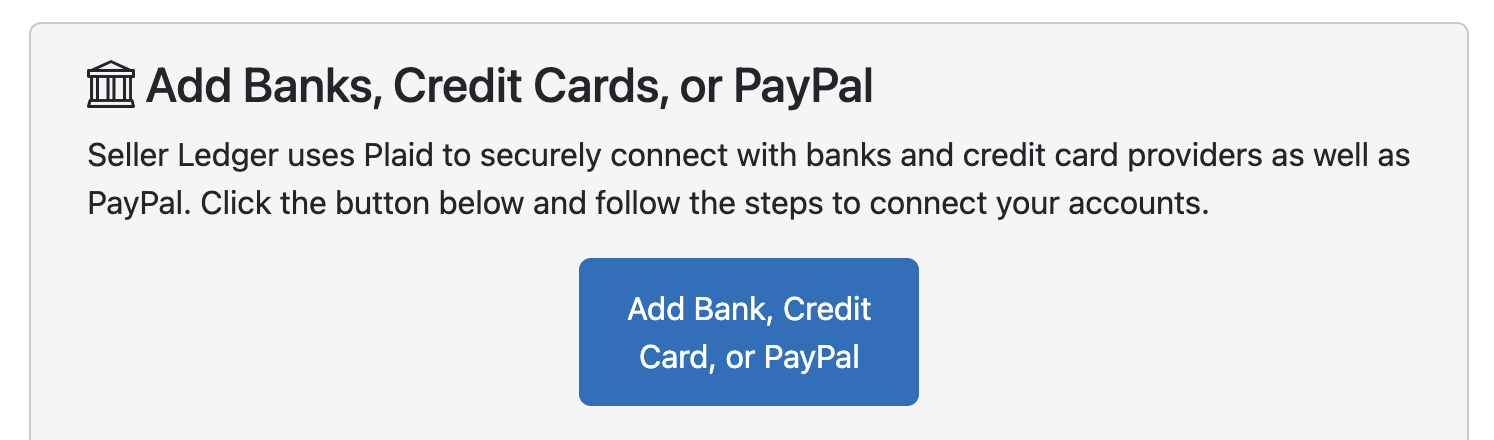
Make sure to log in with the credentials for that new PayPal account.