
How do I change the email address used to access Seller Ledger?
To change the email address associated with your Seller Ledger account, simply click on the Profile link in the upper right section of the website:

This will take you to a screen where you can change your email address and/or password.
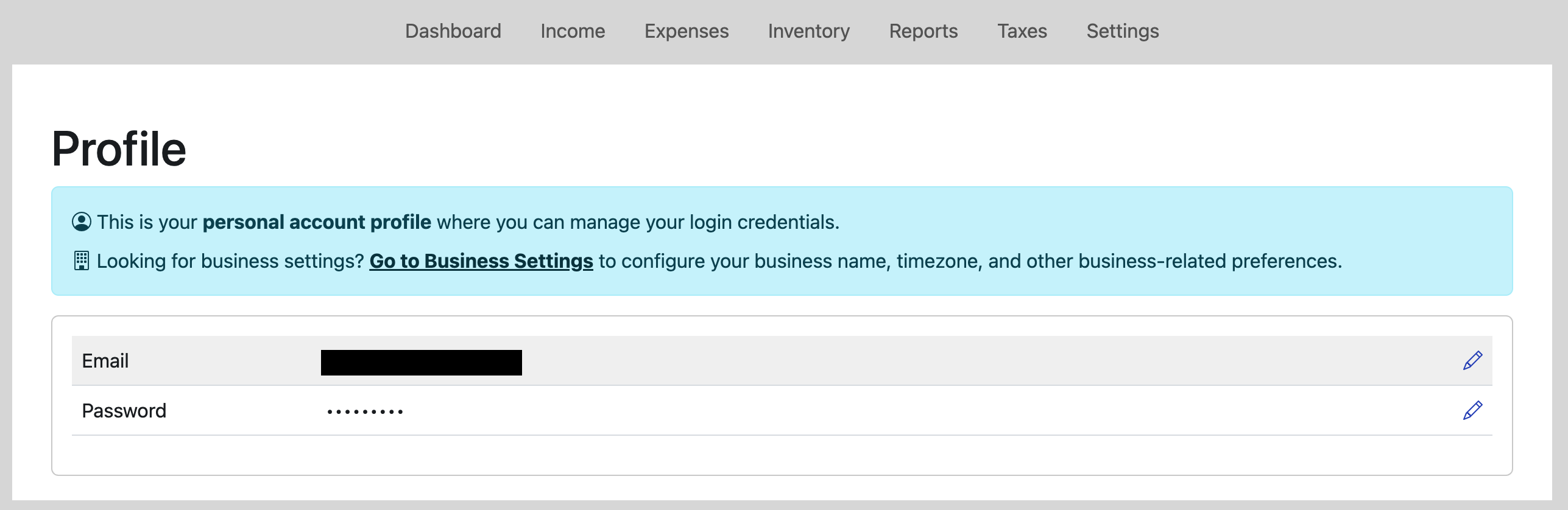
Click the edit/pencil icon on the far right to make the change.
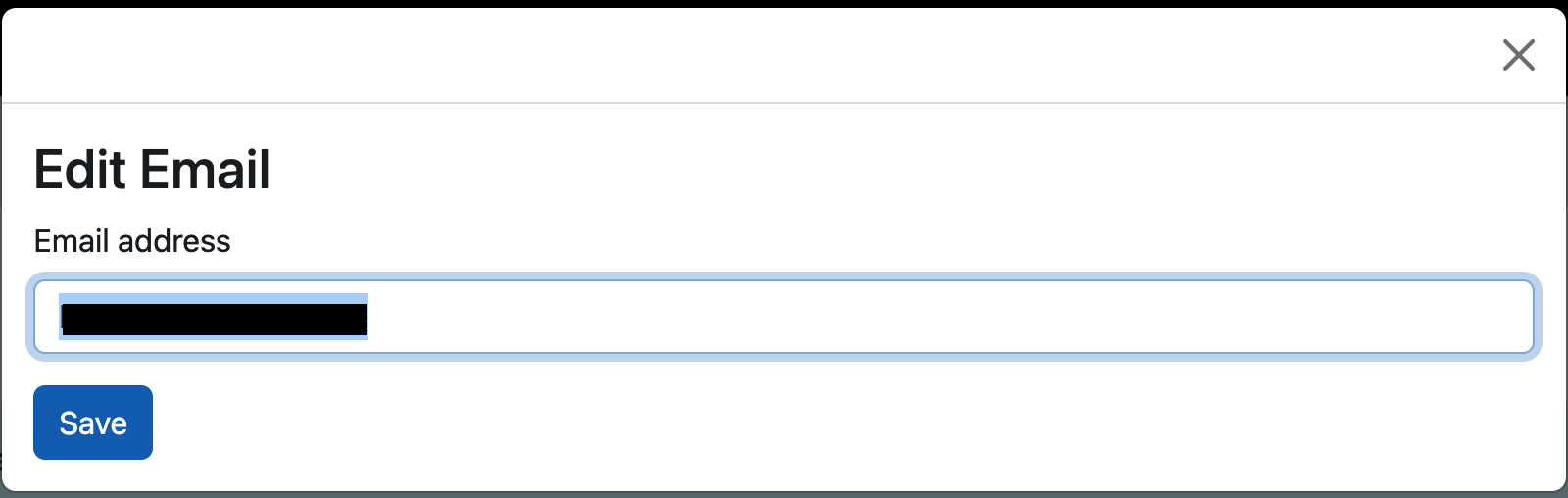
Then click "Save" and you're all set.