
How do I set the start date for importing data in an account?
By default, Seller Ledger will import the most recent 90 days of transaction history when you link a connected account or marketplace. To get more than 90 days of history, we ask users to subscribe to an annual plan.
In addition, we do allow customers the ability to set a custom start date. This has been a common request among sellers who want to "start the new year fresh."
To set a custom start date, follow these steps:
One: click on the connected account whose import start date you'd like to change.
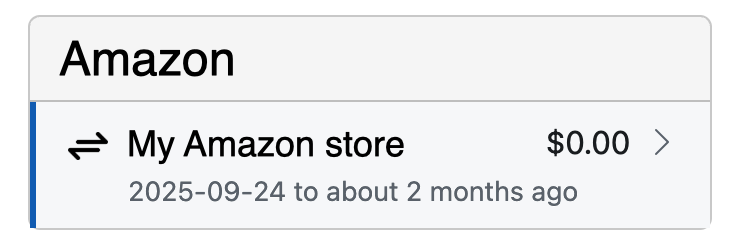
Two: click on the edit/pencil icon at the top of the account view.

Three: you’ll see a new option to choose a start date. Just pick the start date you’d like and click "Save."
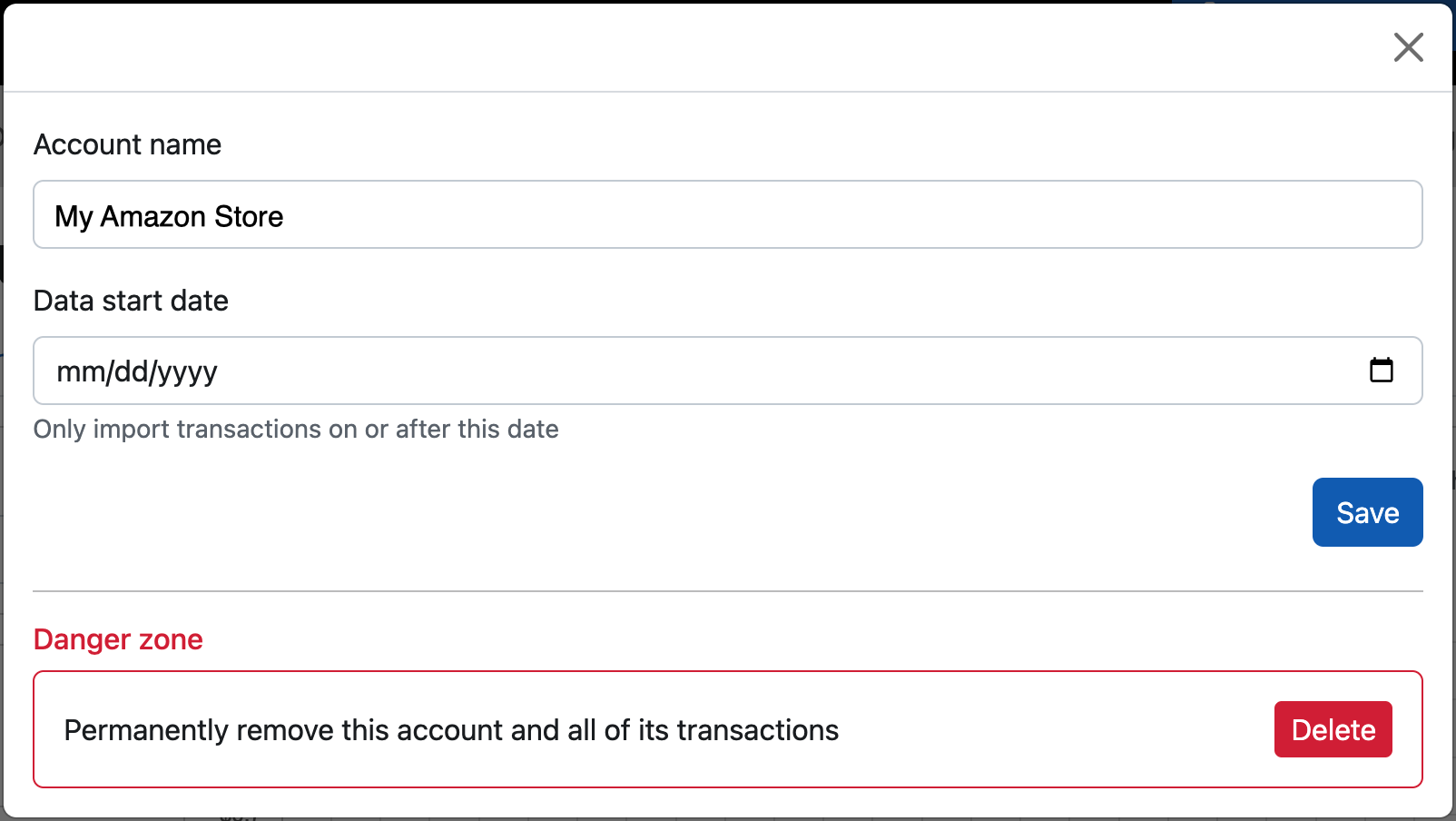
If you had any transactions prior to the new date you’ve entered, they will be deleted from the system. If you don’t want those older transactions deleted, DO NOT set a more current date than you want transactions for.
Also, if you are just starting a free trial, you won’t be able to enter a date from the start of the prior tax year unless you upgrade to an annual paid plan.